Exporting Yealink Diagnostic Files
| Item(s) Needed: - Access to Yealink Web GUI |
Find the IP Address of the Yealink Phone
- From the Yealink phone select Menu
- Select Status
- Select Network
- Select IPv4 Status
- Take note of the IP address for the next steps
Exporting Diagnostic Data
- Using any web browser navigate to the IP address from the above step
- Log in with the Admin account
- Navigate to Settings > Configuration on the phone menu
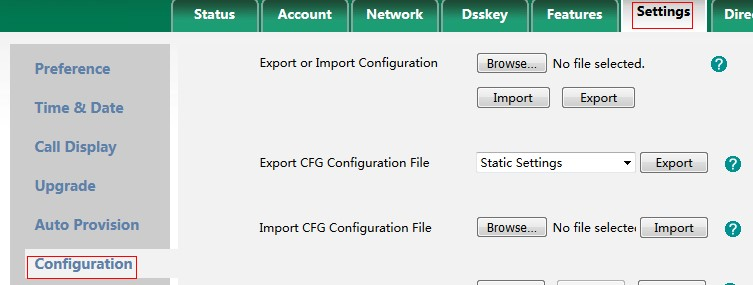
- Once there, go ahead and scroll down to the bottom of the page until you see the Export All Diagnostic Files option**
 **
** - Now click Start and replicate the issue
- Once replicated, click on Stop then Export to download the diagnostic files
- You will get a file called allconfig.tar which contains all of the diagnostic information
